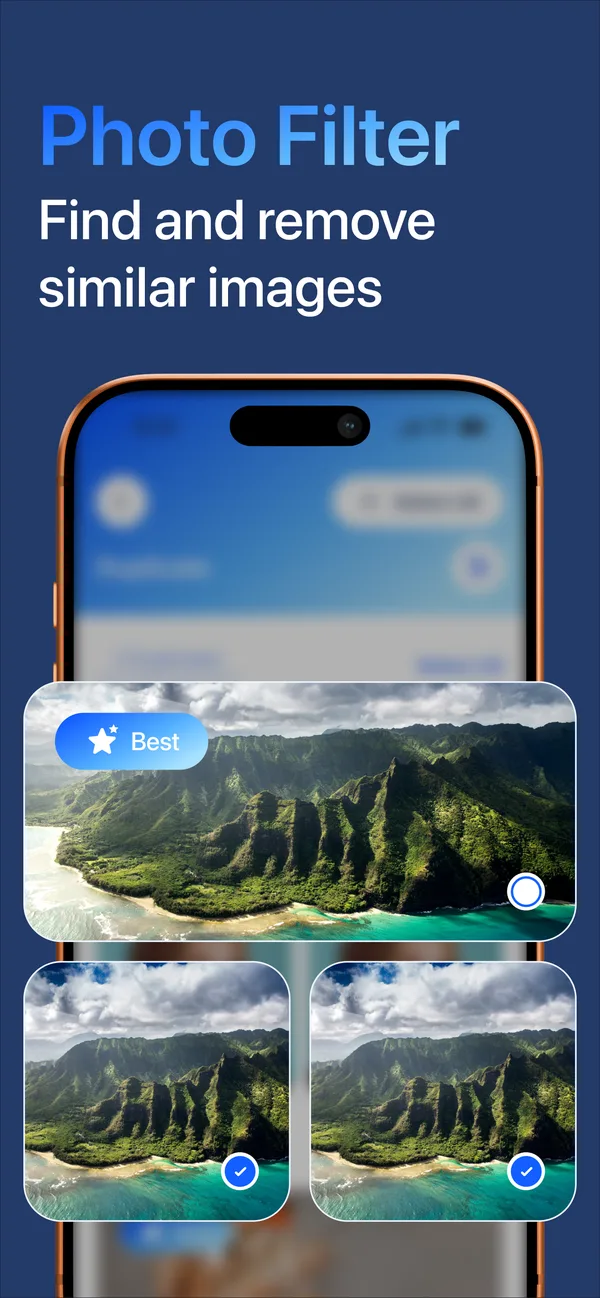
01Photo Filter
Find similar and duplicate photos, with the best shot in each group marked for you.
Sparely finds similar photos, duplicate contacts and the clutter you forgot about, and lets you decide what stays.
Download on theApp Store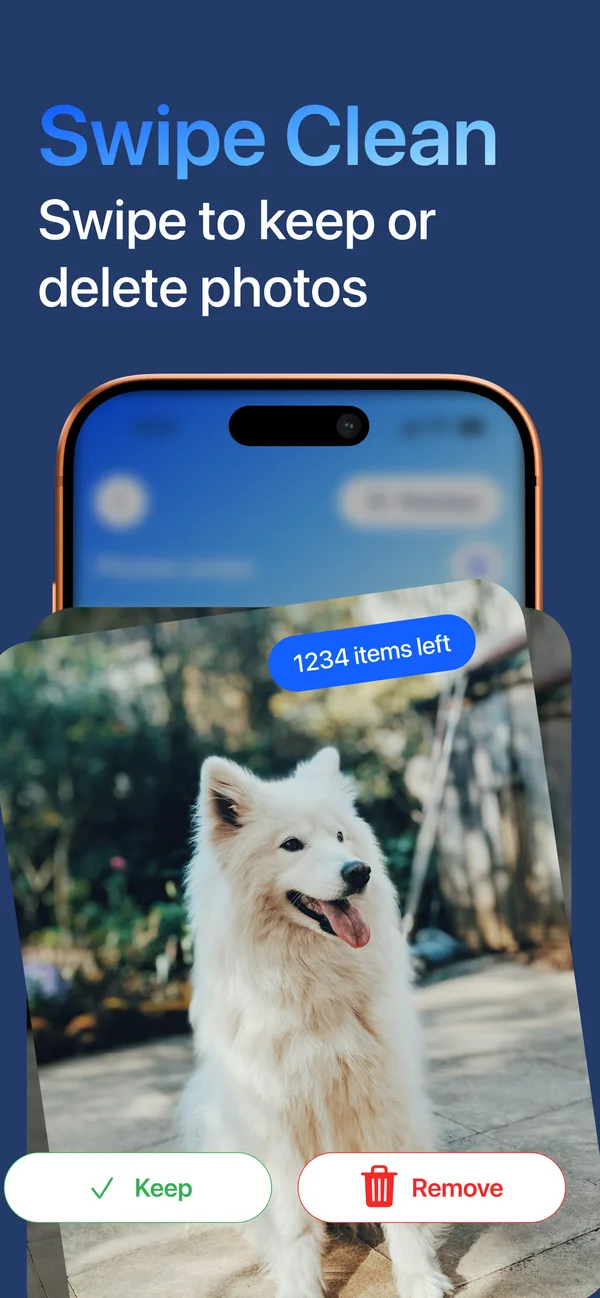
Features
Every tool shows you what it found. Nothing is deleted until you confirm.
Find similar and duplicate photos, with the best shot in each group marked for you.
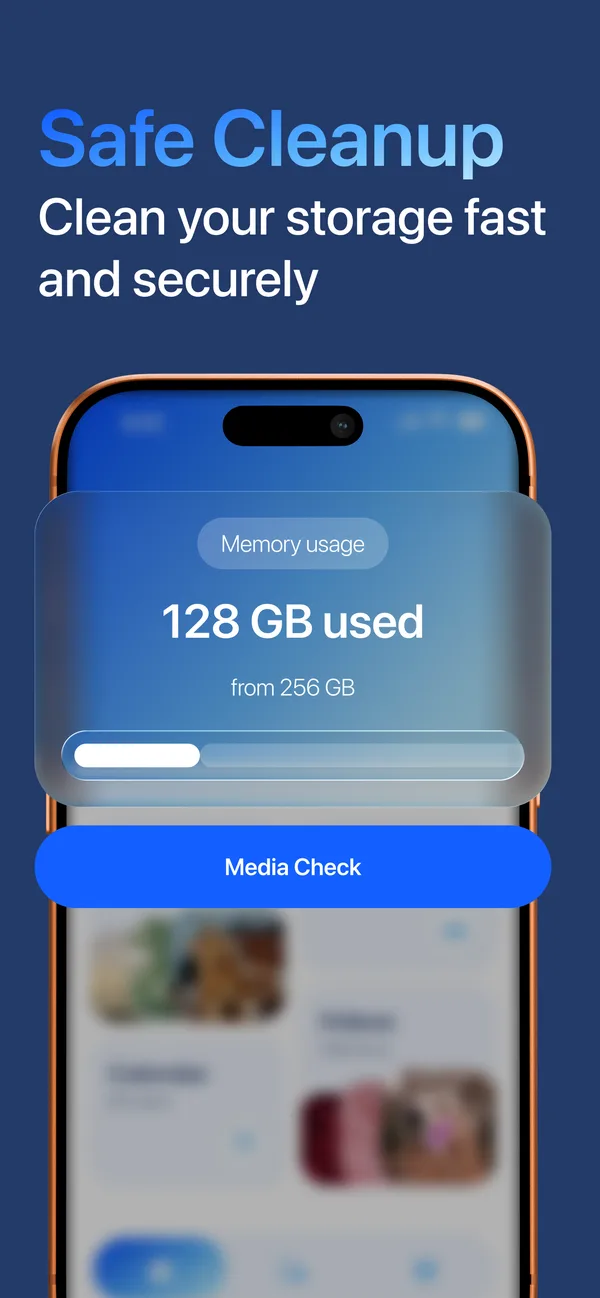
Media Check shows how much storage you use and what is taking up the space.
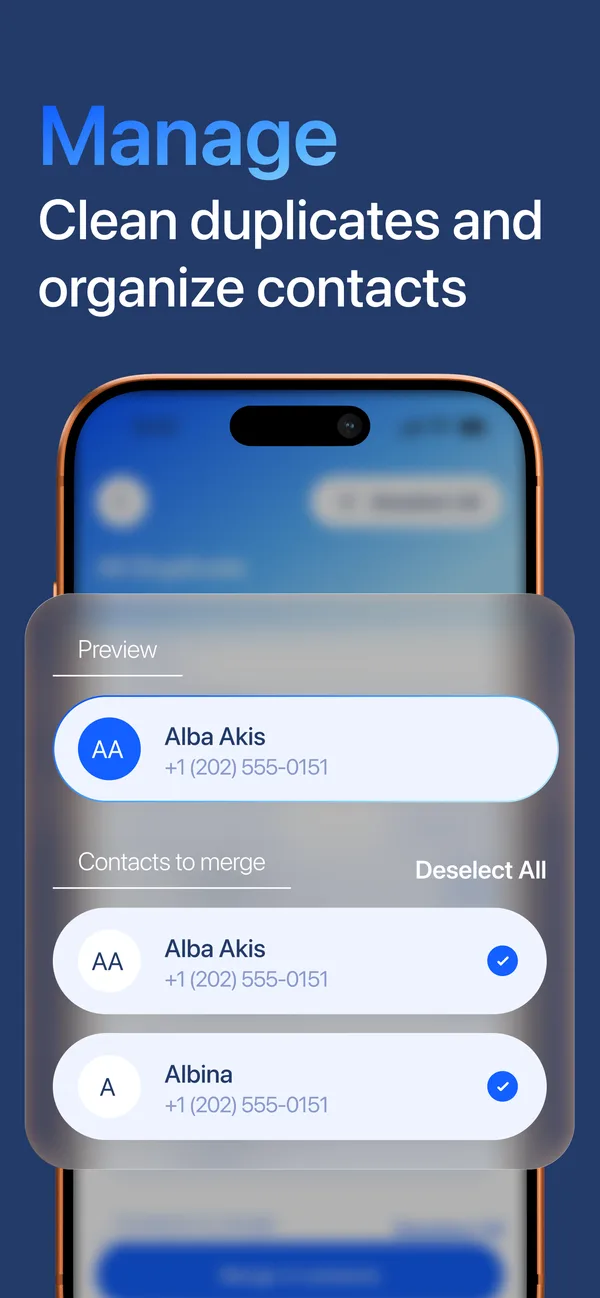
Find duplicate contacts and merge them into one, keeping their numbers and emails.
Go through your photos one by one: swipe to keep, swipe to remove.
Swipe Clean
Swipe Clean turns sorting your camera roll into a quick routine. Each photo gets one decision, and you always see how many are left.
Your data
Photos, contacts and calendar are analyzed on your device and never uploaded to us.
Suggestions are only suggestions. Nothing is removed without your approval.
Deleted photos stay in Recently Deleted in the Photos app for up to 30 days.
We do not use your data for targeted advertising and never sell it.
FAQ
No. Photos, contacts and calendar events are analyzed on your iPhone and are never uploaded to our servers.
Yes. Deleted photos and videos go to the Recently Deleted album in the Photos app, where iOS keeps them for up to 30 days.
Sparely is free to download. Some or all features require a subscription, and a free trial may be offered. Prices are shown in the app before you subscribe.
Open Settings, tap your name, then Subscriptions, choose Sparely Cleaner and tap Cancel Subscription. Deleting the app does not cancel it. More help

Download Sparely Cleaner and run your first Media Check.
Download on theApp Store